
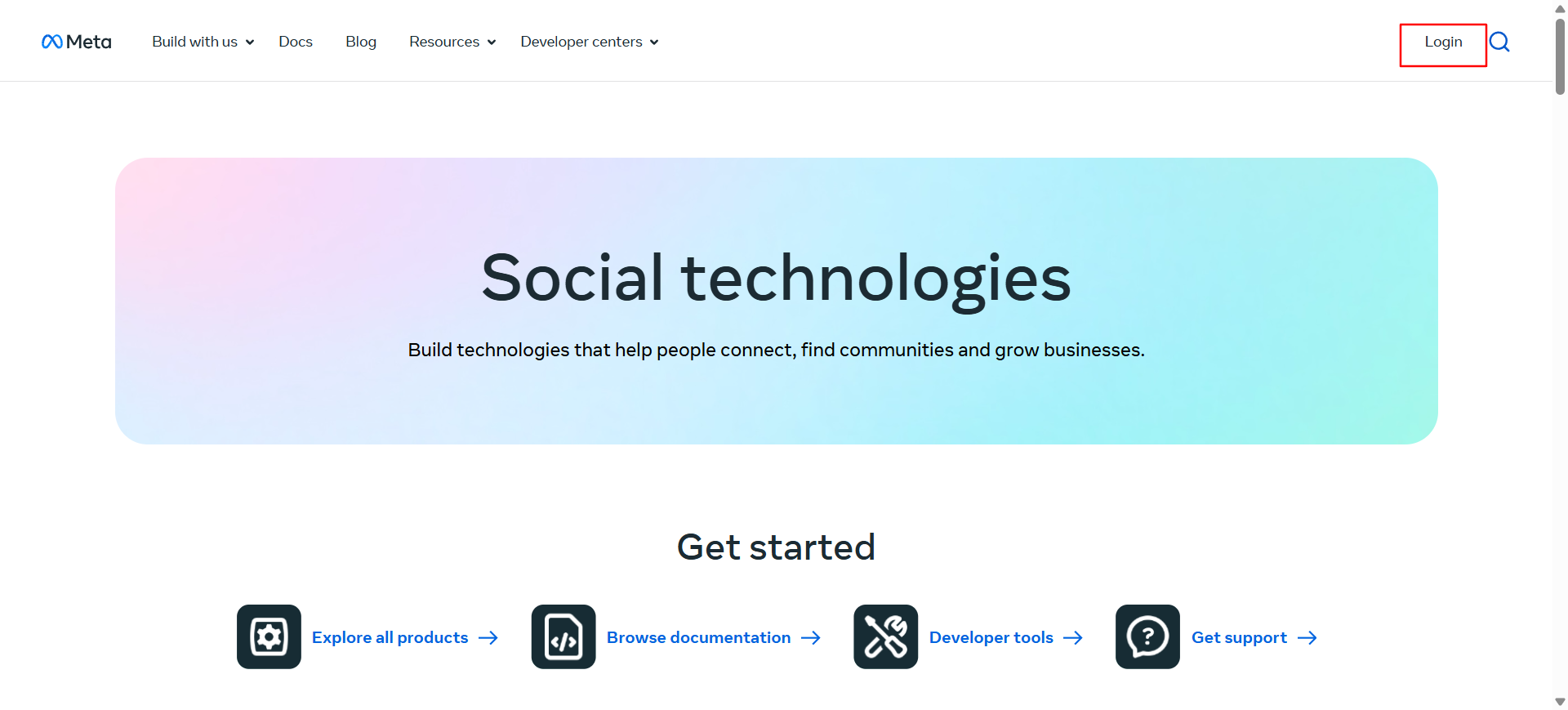
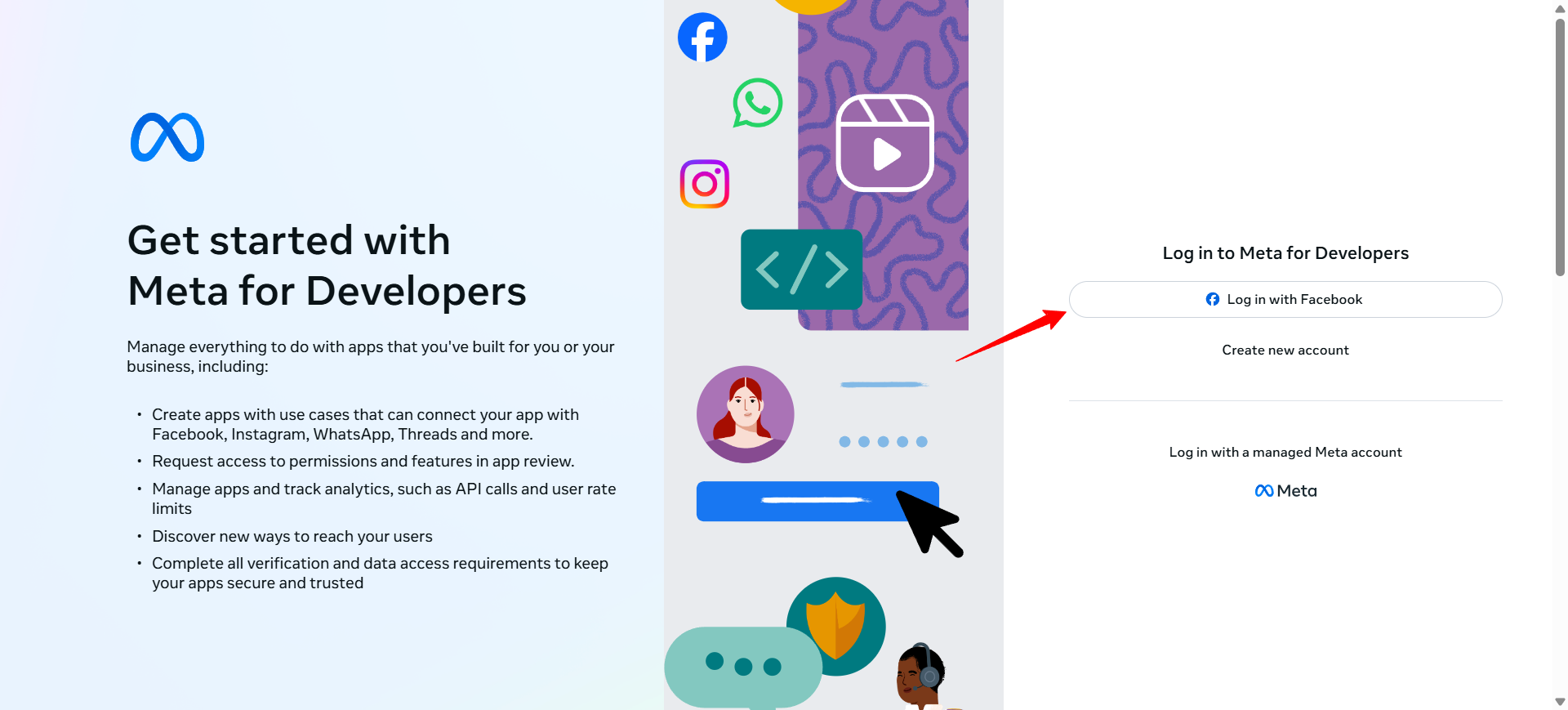
Create a Facebook for Developers account by entering your name, email, and password, or log in with an existing account.
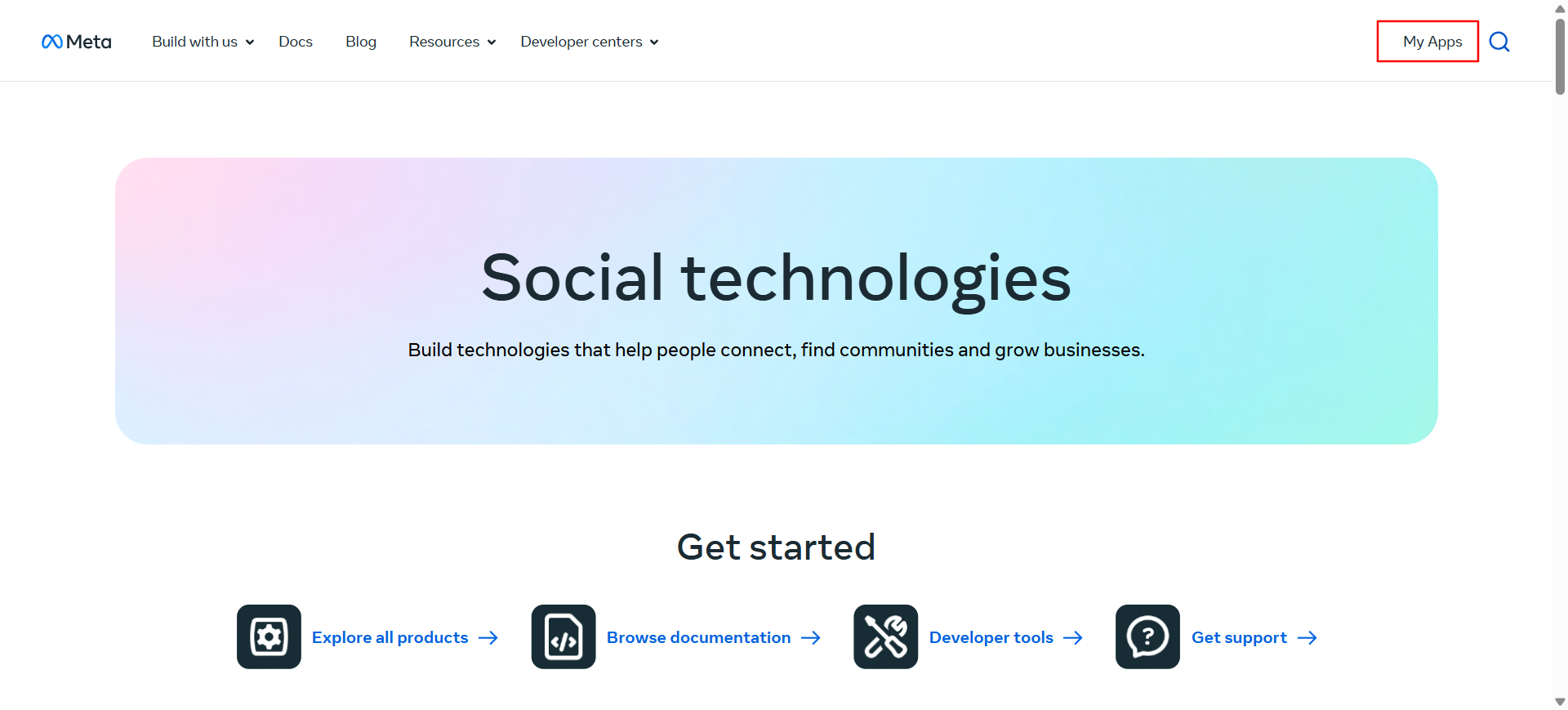
From the dashboard, click My Apps.
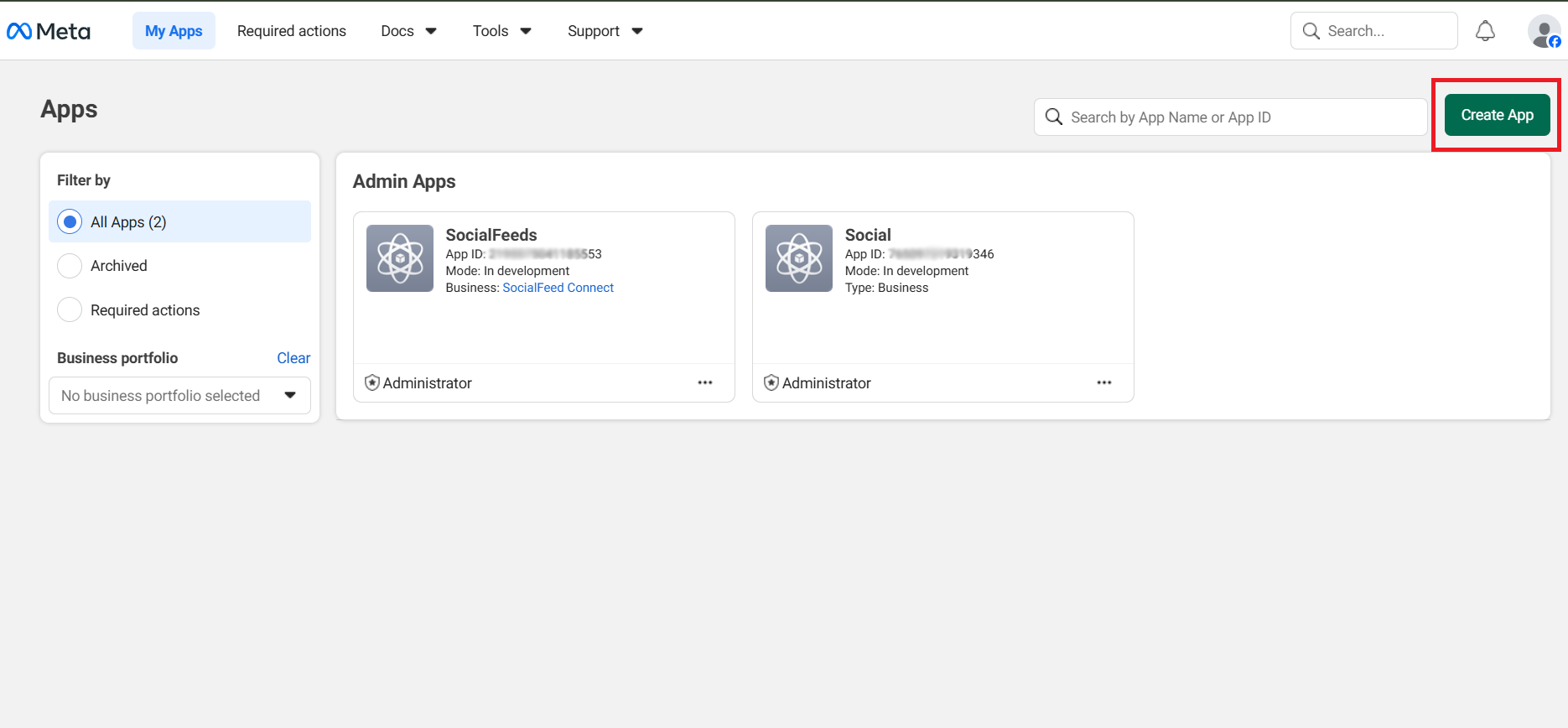
Click the Create App button.
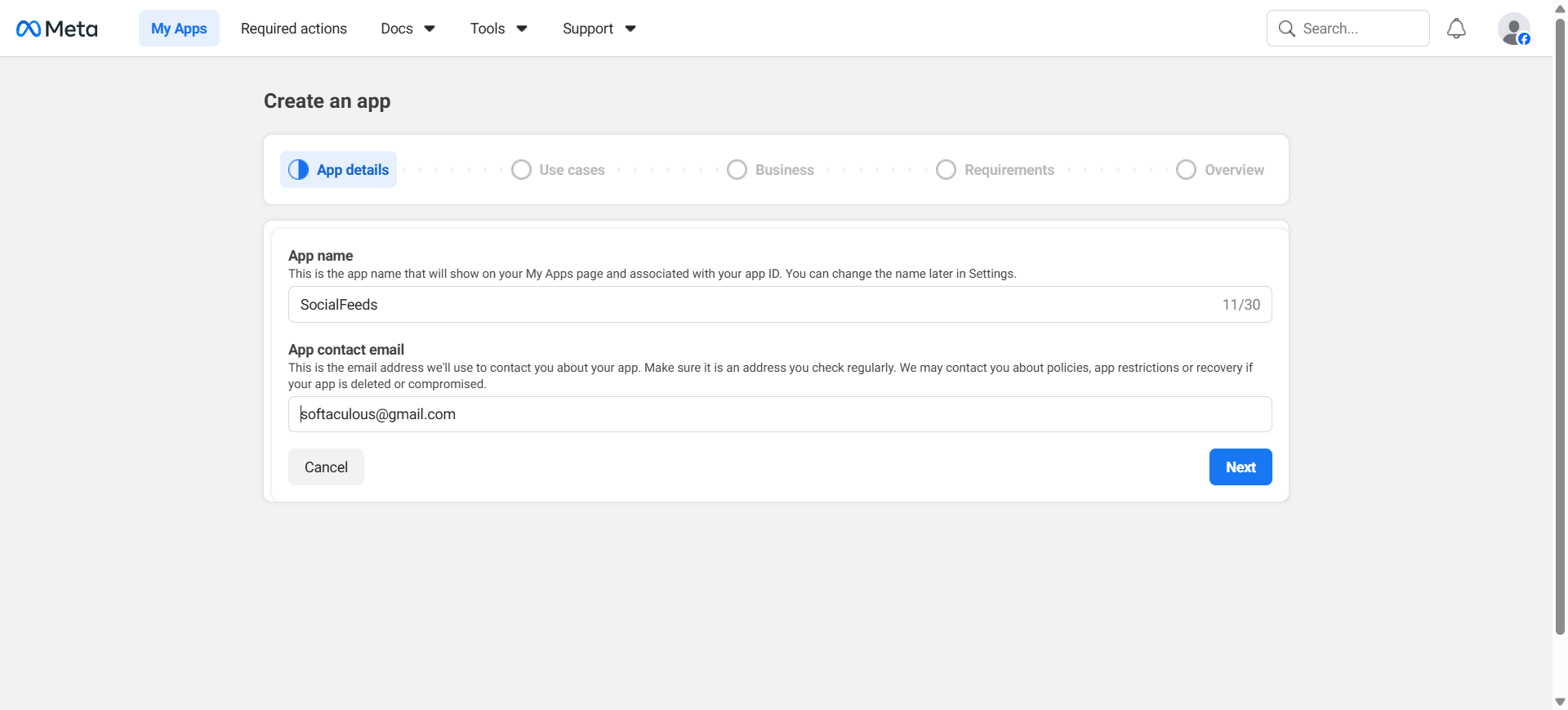
Then, fill in the details:
App Name: Enter any name (e.g., "SocialFeeds")
App Contact Email: Enter your email address
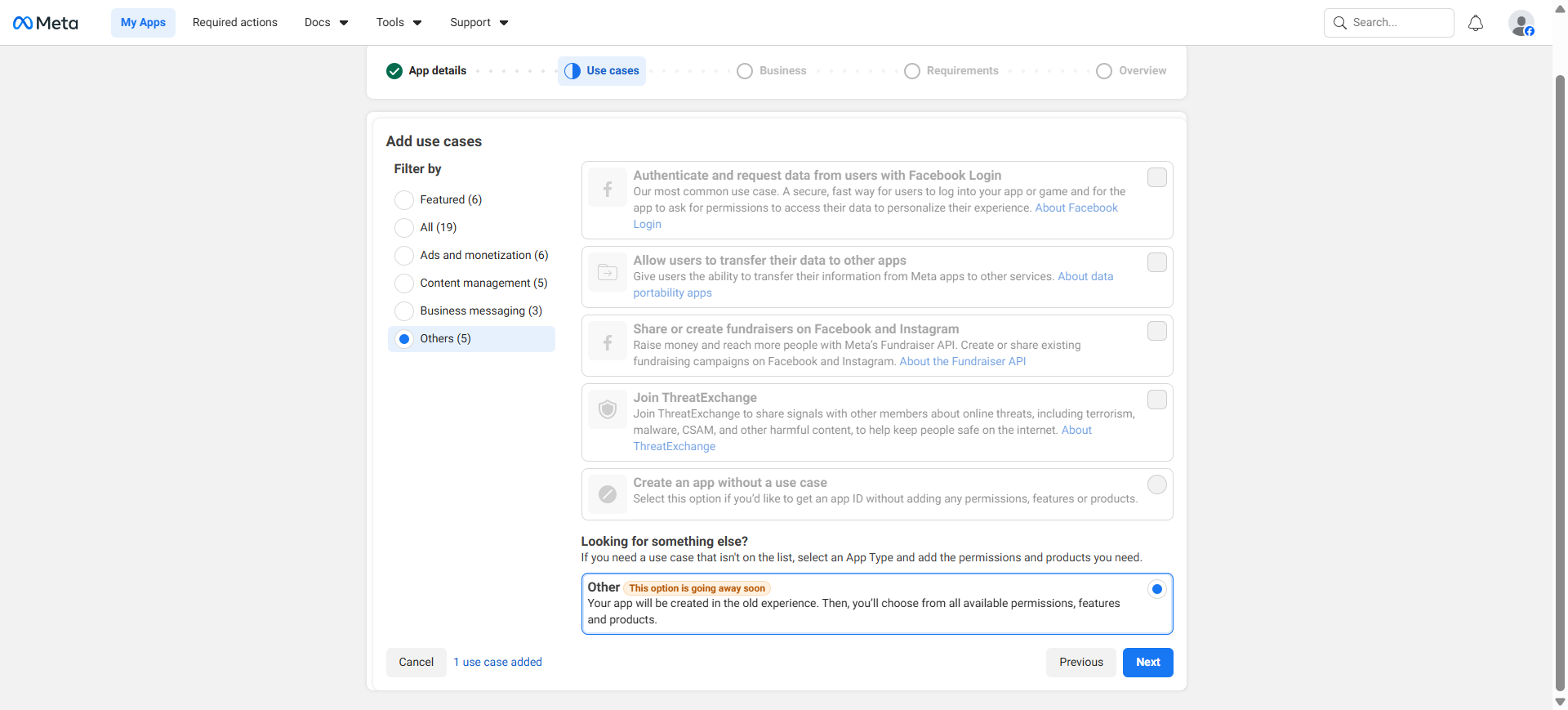
Click Other, enable the required permissions, then click Next.
Select Business Type, click Next → check all App Details, click Next, then click Create App to go to the Dashboard.
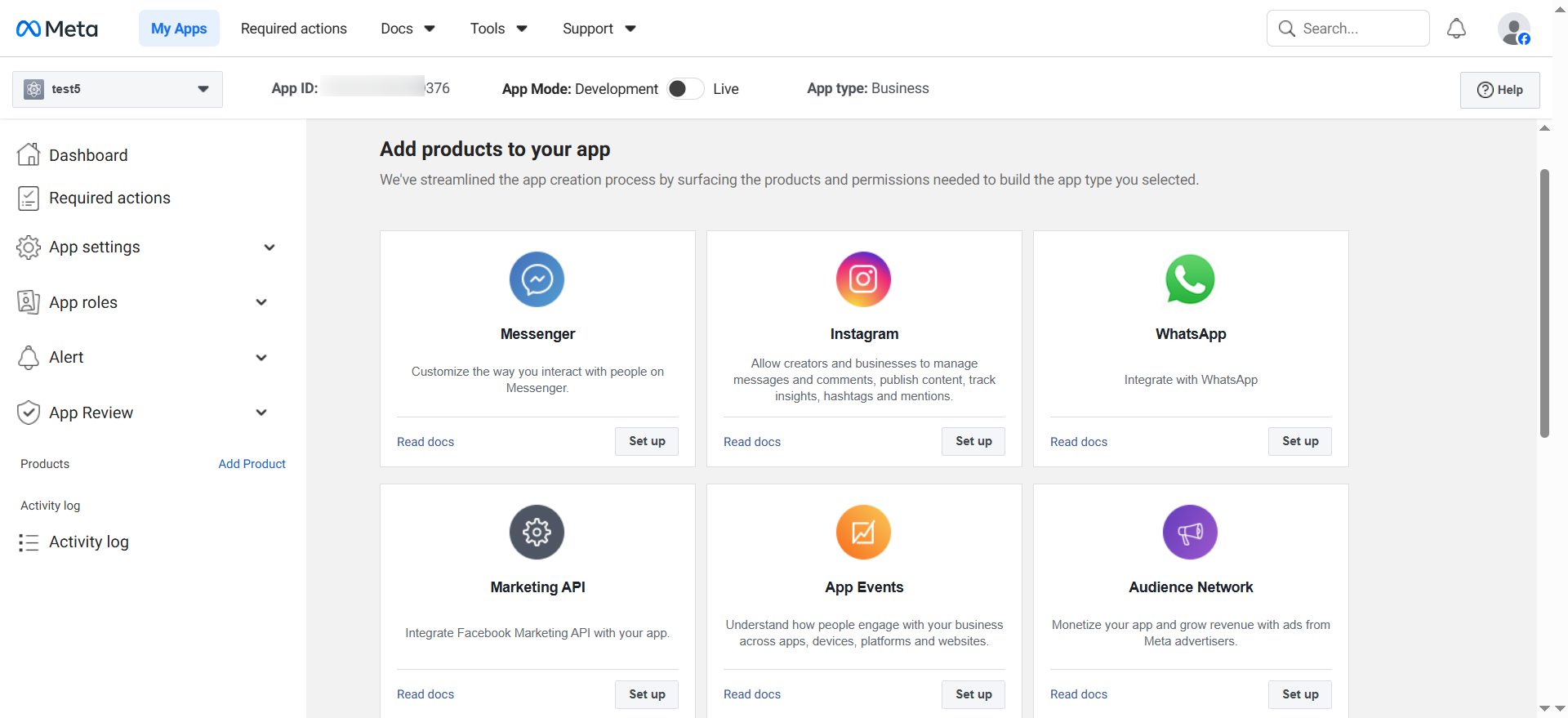
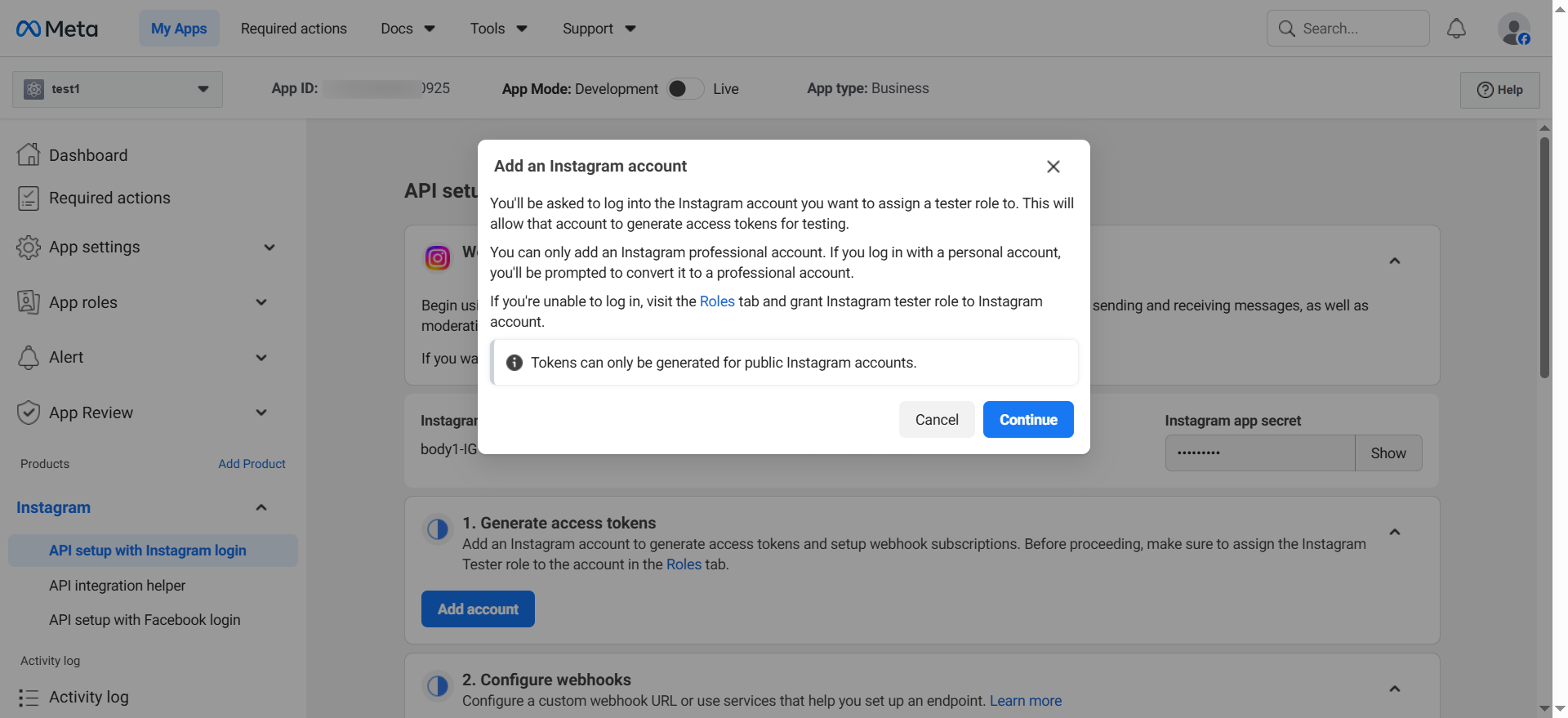
In the Dashboard select Instagram → click Set Up → then click Add Account to connect your Instagram account.
Click Continue, then enter your Instagram username and password to connect your Instagram account.
Add an Instagram tester role: Go to the Dashboard → App Roles → Role in the left sidebar.
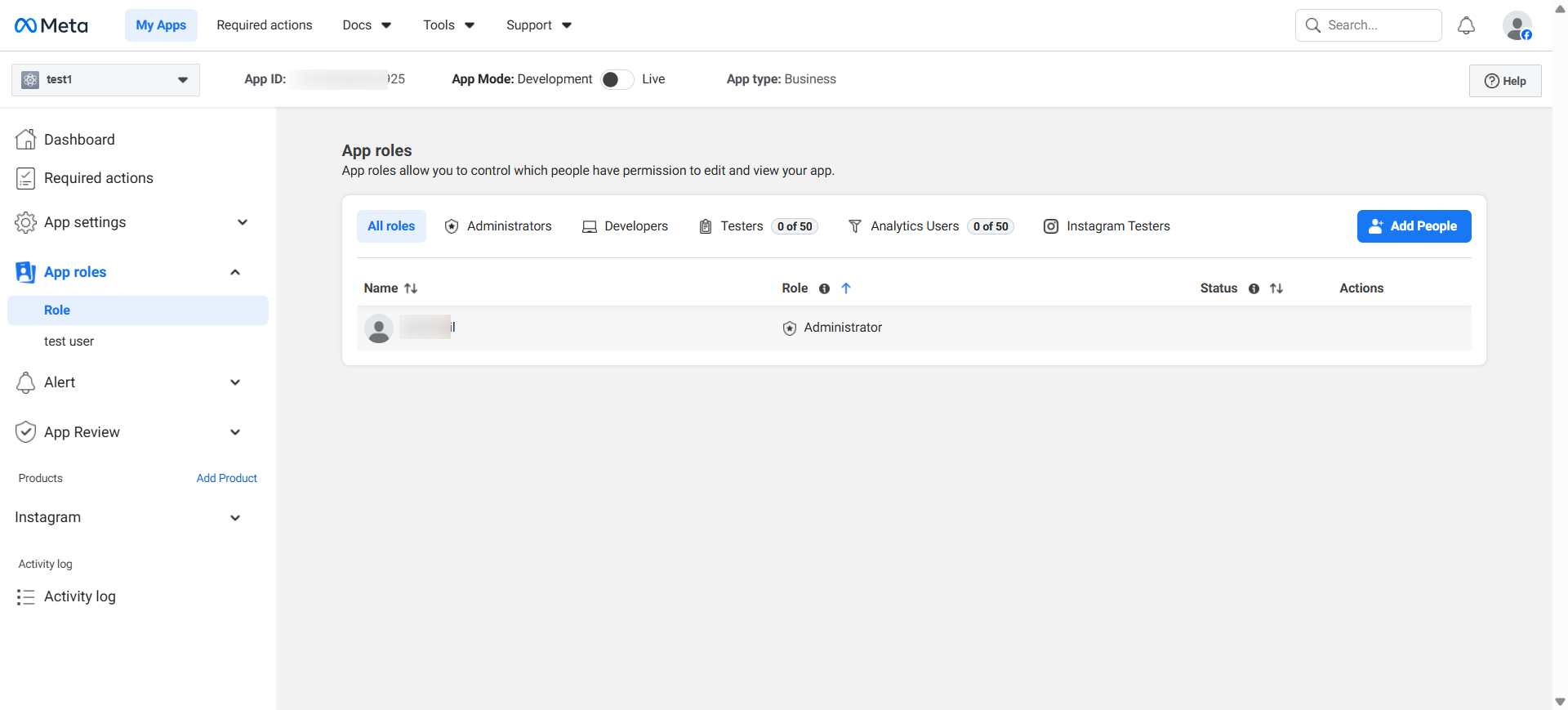
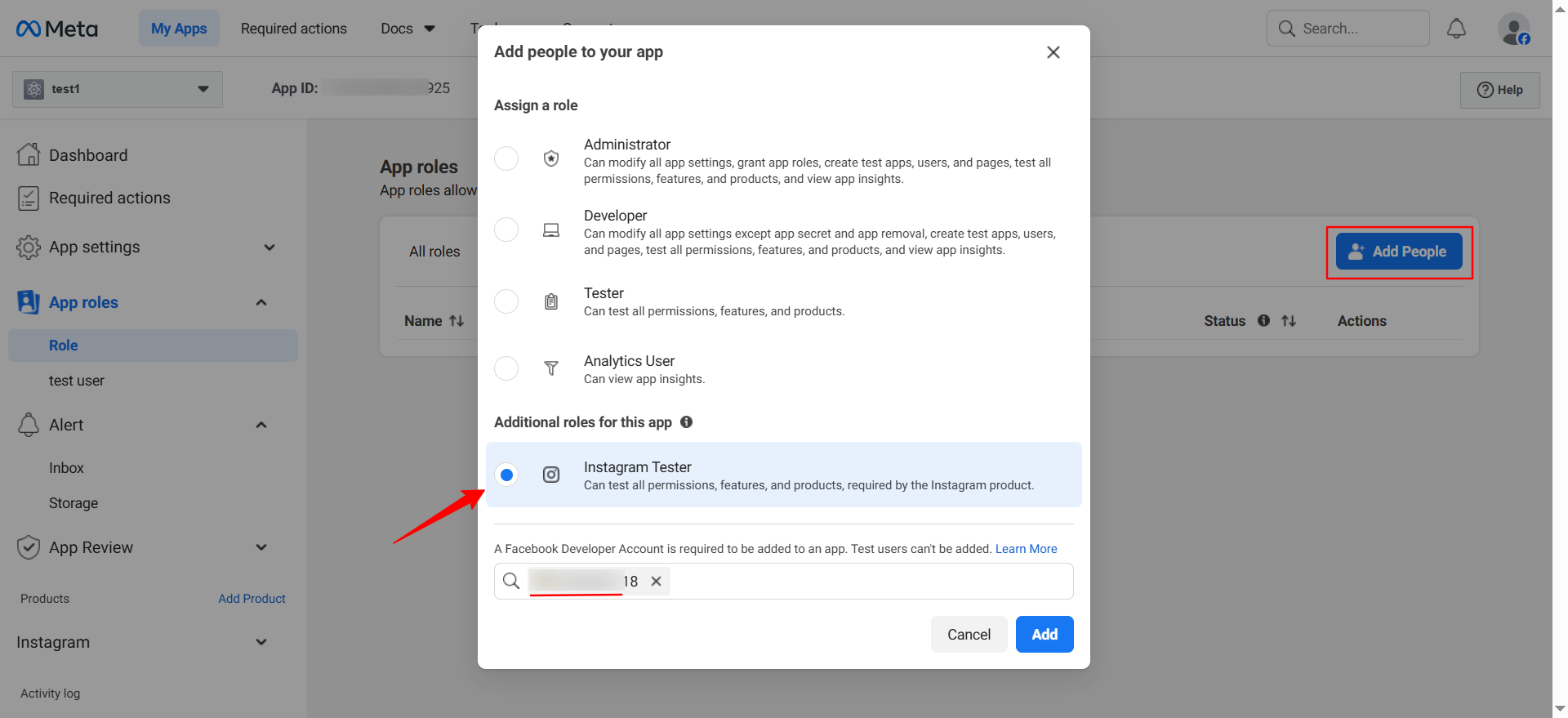
Click Add People, select the Instagram tester, search for their account, and add them as a Tester. The tester must log in to Instagram and accept the invitation.
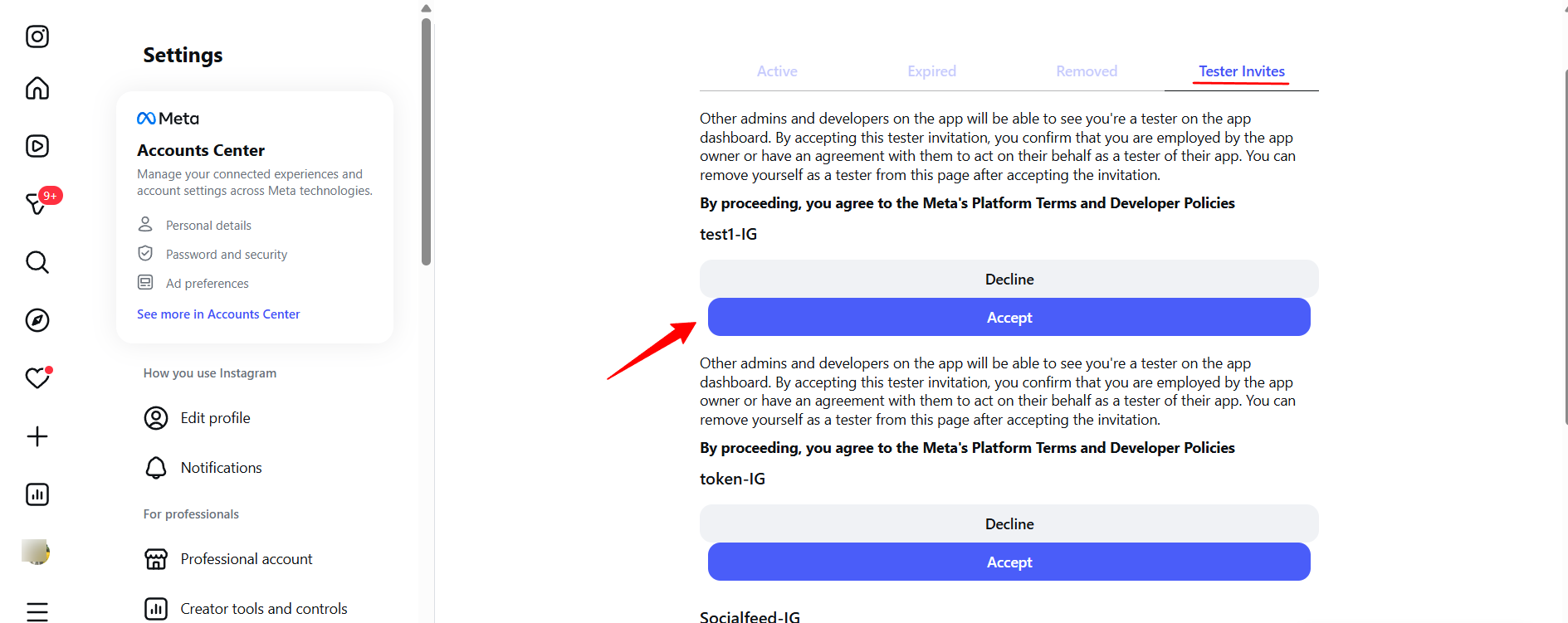
Log into Instagram (web or mobile) and accept the tester invite:
Web: Profile → Settings → Privacy and Security → Apps and Websites
Mobile: Profile → Menu → Settings → Security → Apps and Websites
Look for the Tester Invites section
Click Accept for your app invitation
note: If no invitation appears, wait a few minutes and refresh the page.
Generate your Access Token:
Return to the Meta Developer Dashboard
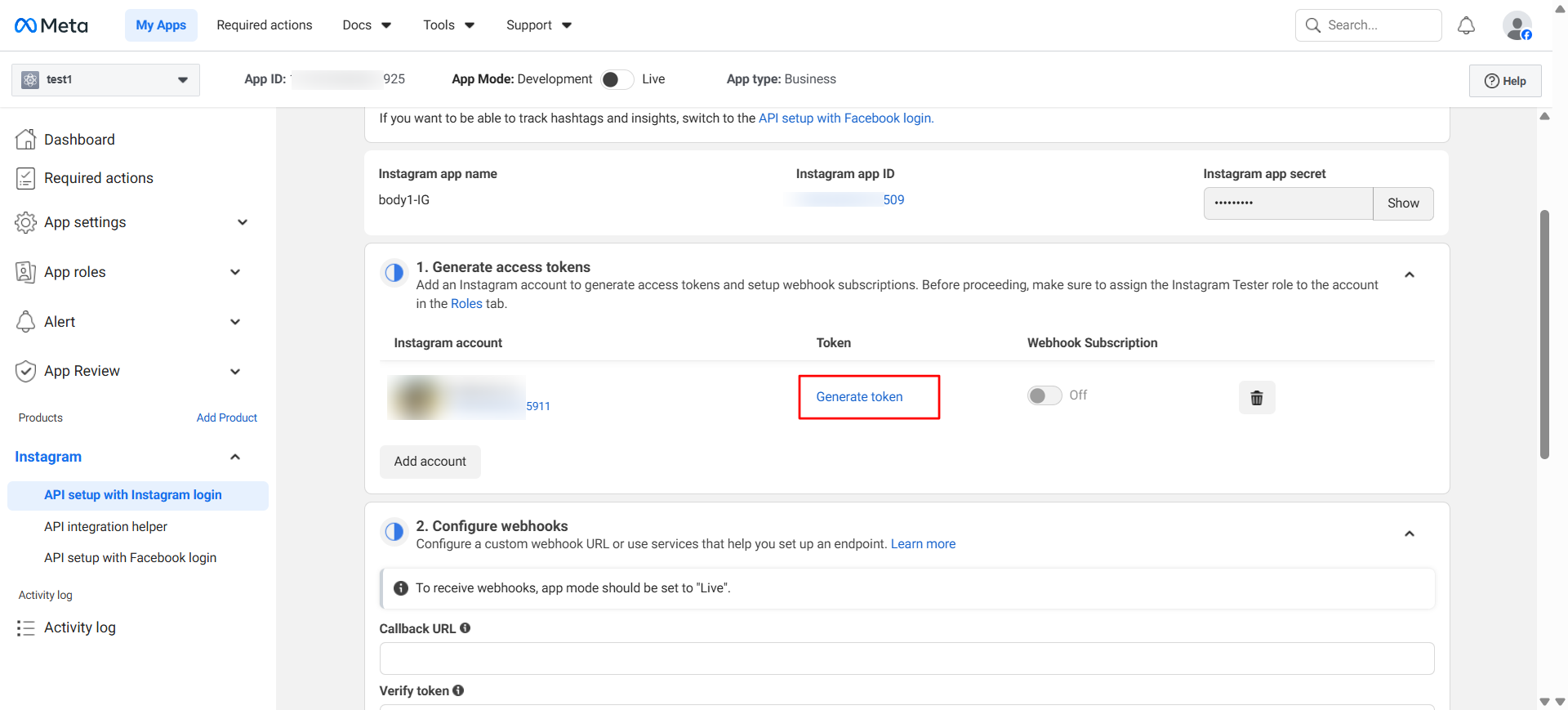
Go to Products → Instagram → Generate Access Tokens → Add Account
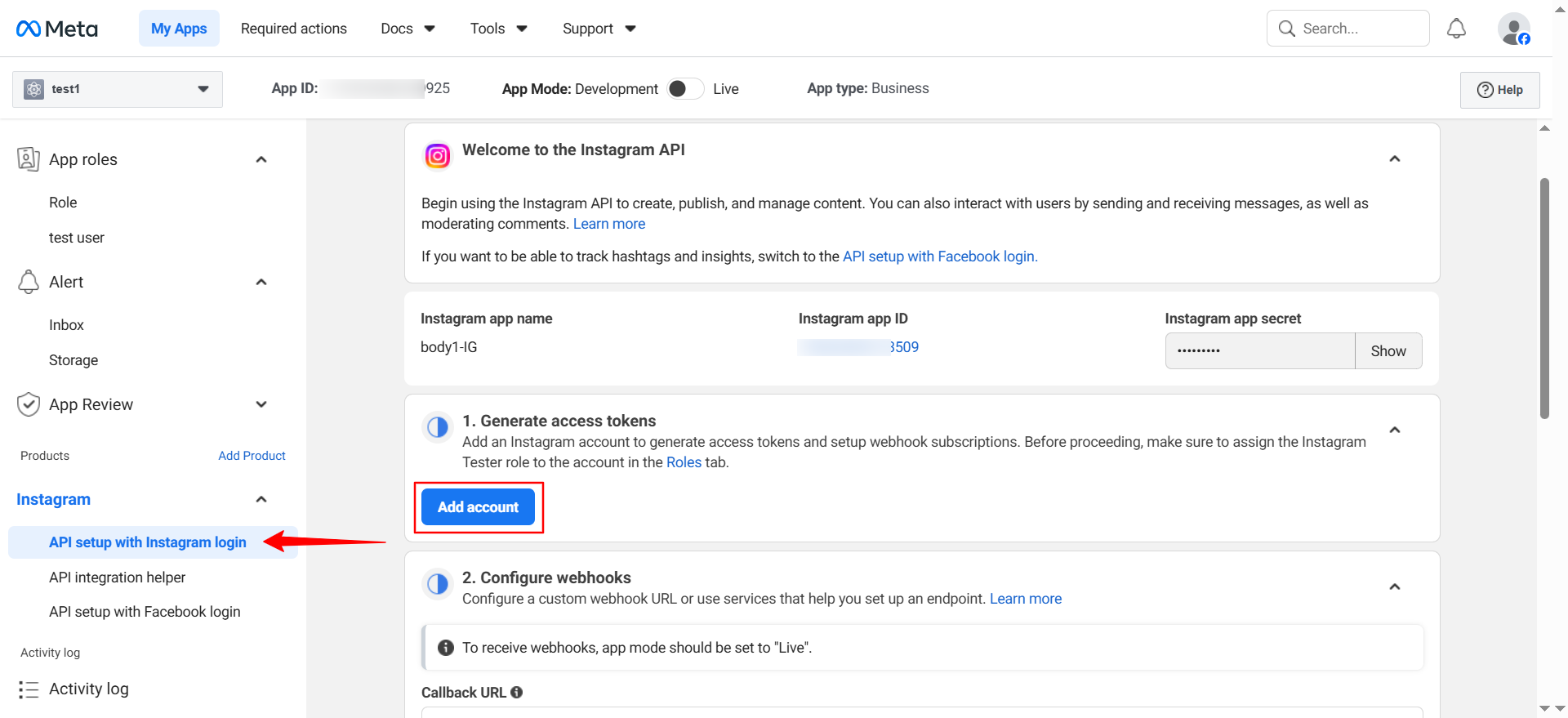
Log in to Instagram, then in the User Token Generator section, click Generate Token next to your username. Copy and securely store the access token — this is your Instagram API key.
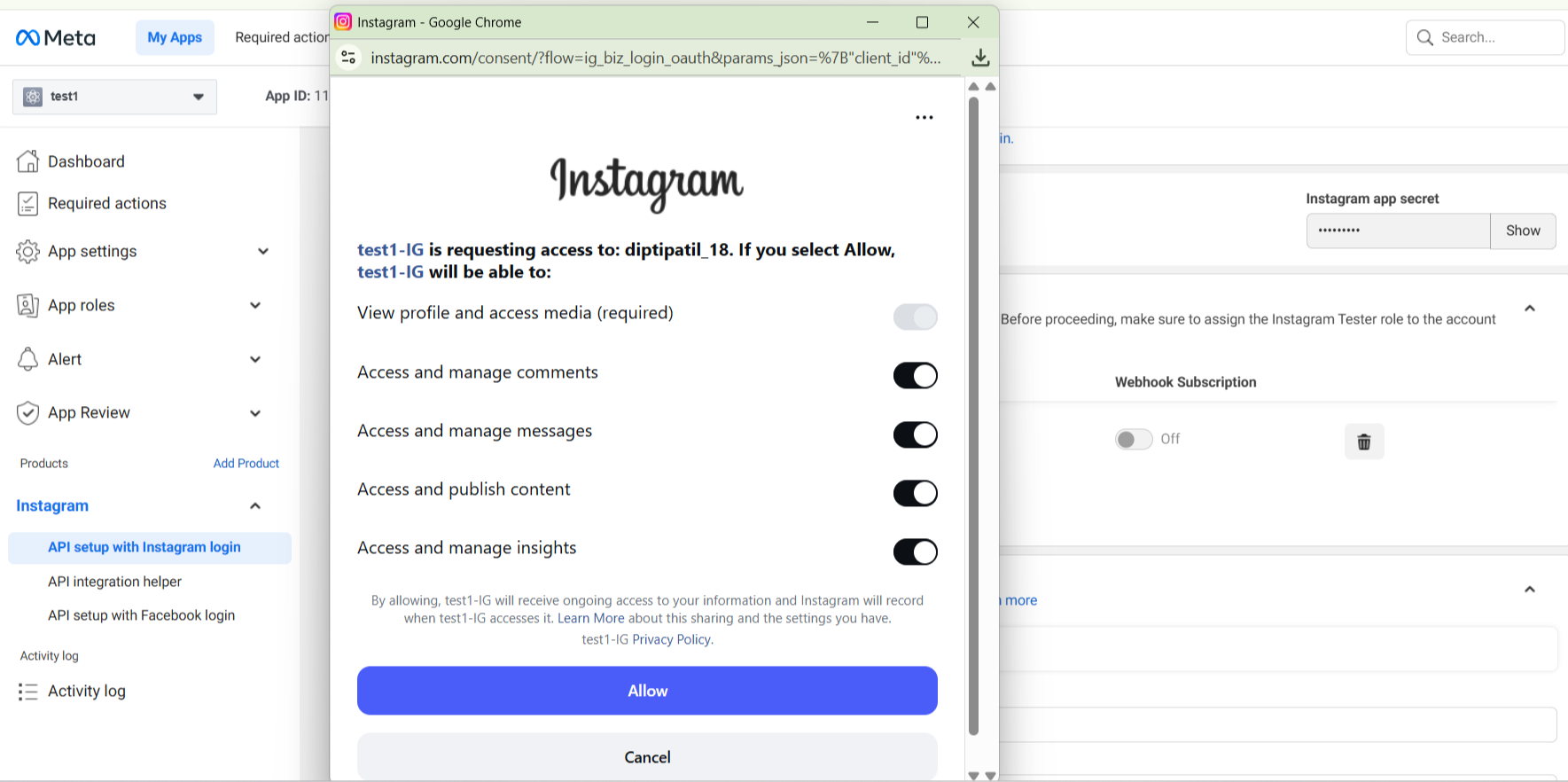
Log into Instagram when prompted and click "Allow"
Copy the generated access token and store it securely — this is your Instagram API key.
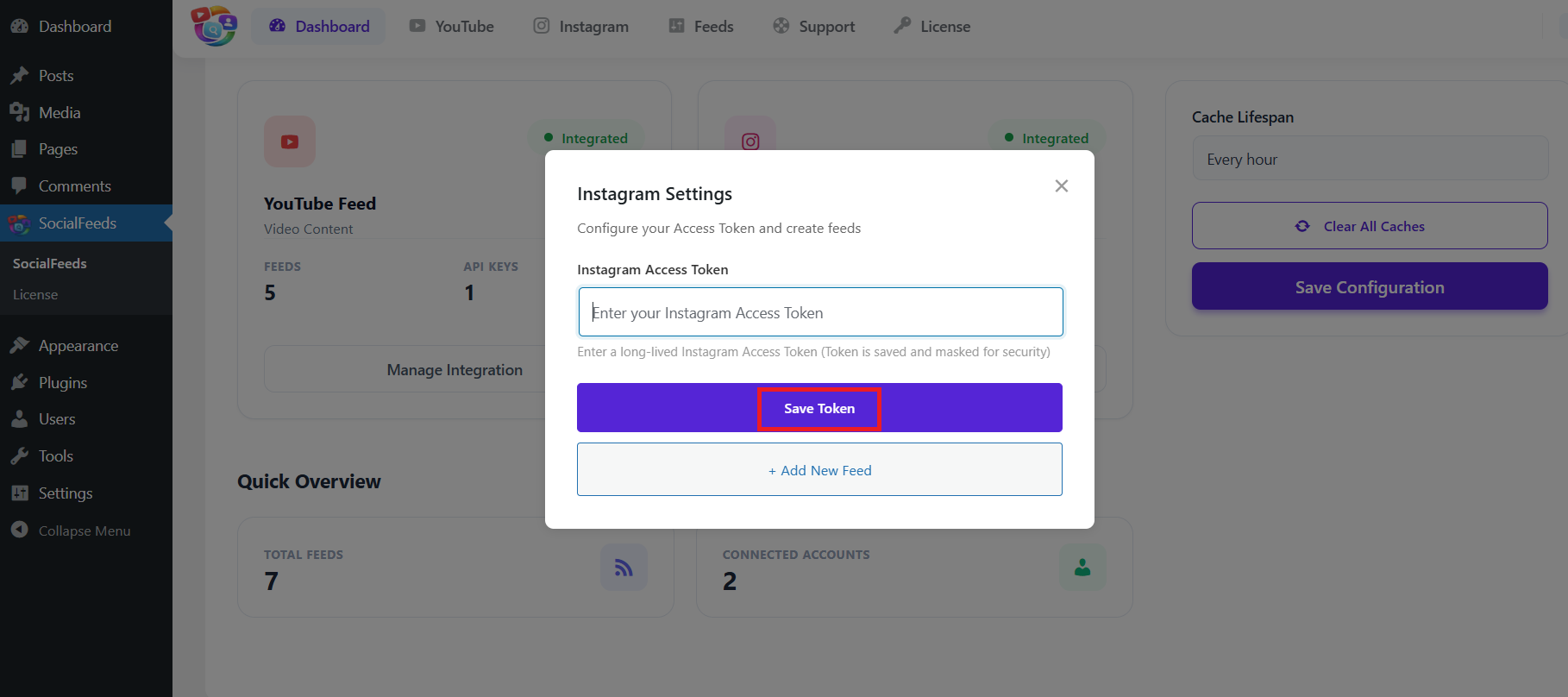
Return to your WordPress dashboard and open the Instagram configuration pop-up. Select the API Key (Recommended) option, paste your API key into the Instagram API Key field, and click Save API Key. Your Instagram account is now successfully connected.
If you face any issue do let us know and we will help you out, you can contact out support team at [email protected]