How to Find Your Google Place ID for Review Feed Setup
How to Find Your Google Place ID for Review Feed Setup
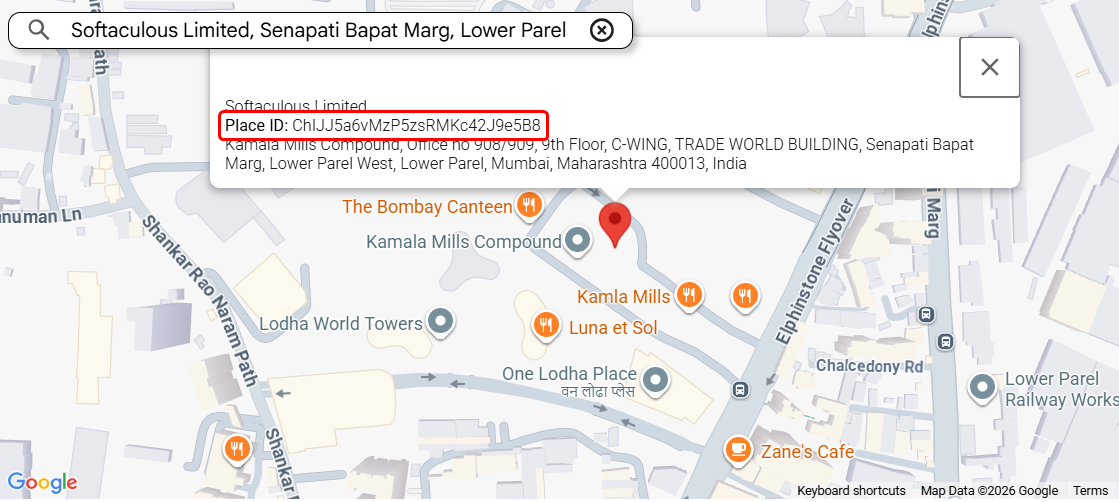
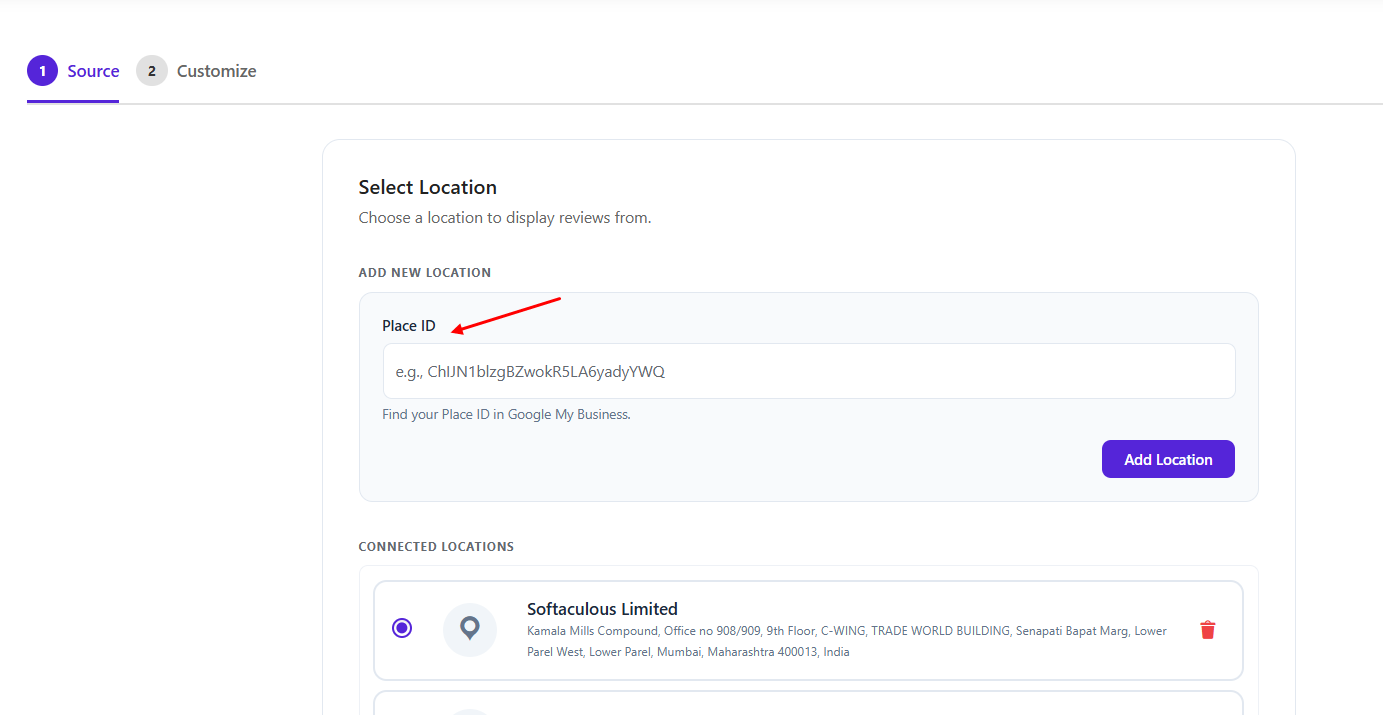
How to Retrieve a Google Place ID for Use in Your Reviews Plugin Setup
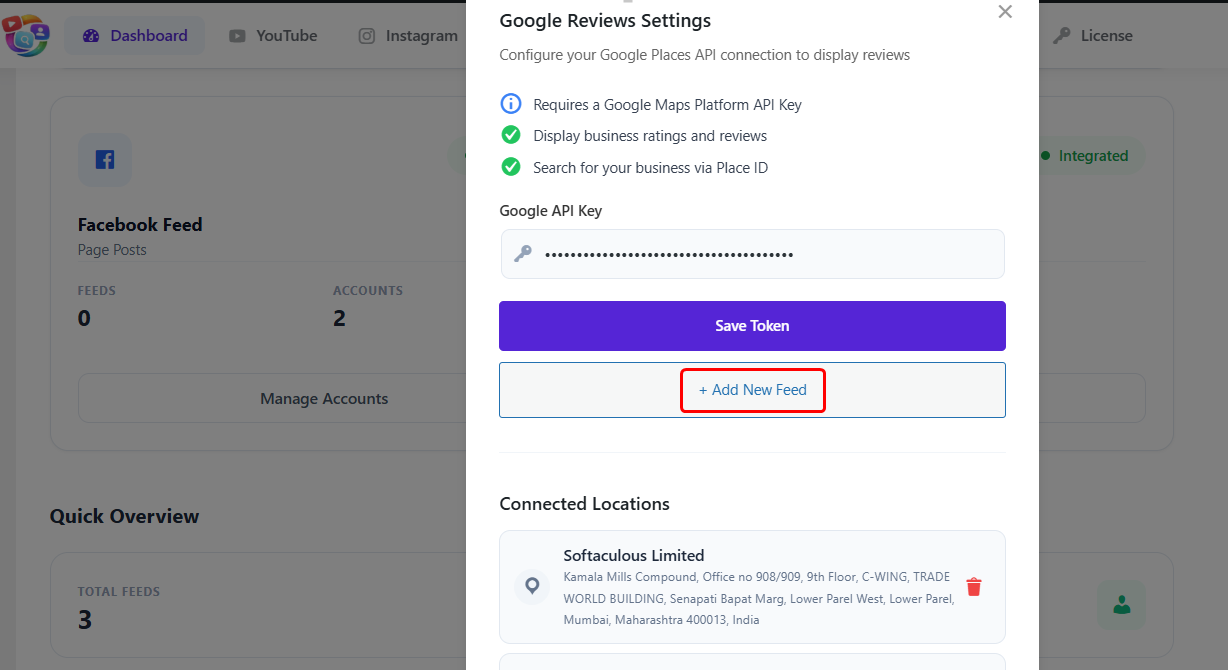
Ensure you have a Google Places API key, as you won’t be able to add the Place ID in the plugin without it. You can follow our article on how to create a Google API key.
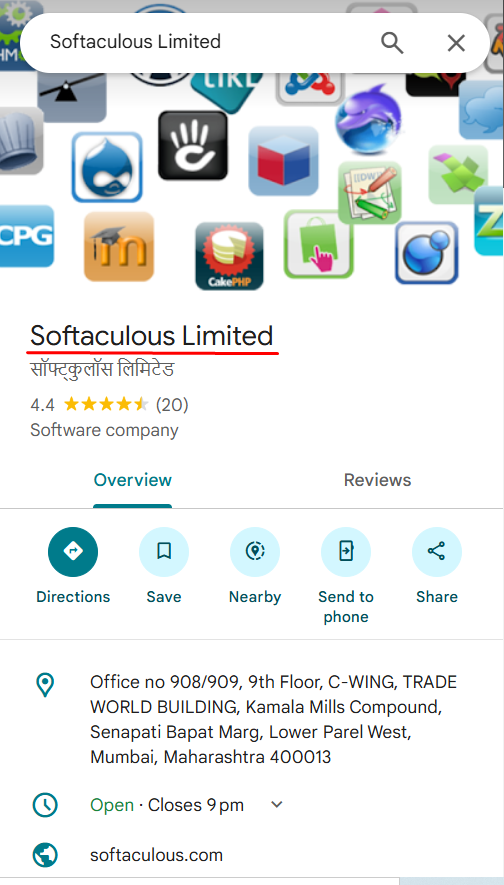
Next, Search for your review location on Google using its exact and unique business name. This helps avoid confusion when multiple businesses share the same address (e.g., in malls or office buildings)
Open the business listing and locate the rich results panel (info box on the right side)
Copy the name exactly as it appears in the rich results panel on the Google search results page